The problem
As a team grows, everyone ends up able to see everything. That's a commercial risk before it's a security one — and when something does go wrong, there's no record of who touched what.
What User Management does
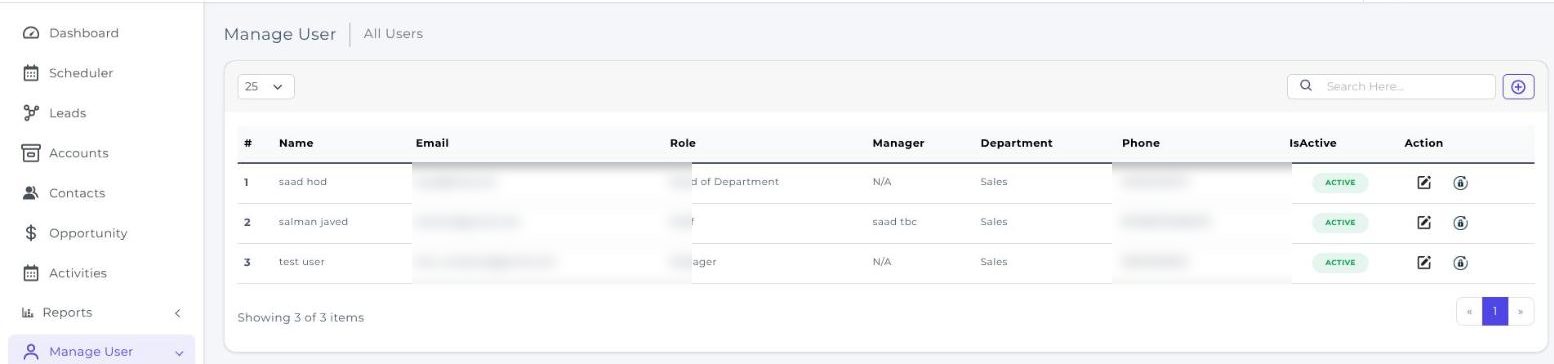
User Management controls access by role, so permissions follow the job someone does rather than being granted ad hoc and never revoked.
Capabilities
What you get with User Management
Role-based access control
Assign and manage access permissions based on the predefined roles and responsibilities of your staff, rather than configuring each person individually.
Request and approval workflow
Users request access to files and data; authorised personnel review and approve it. Access is granted deliberately and there's a record of the decision.
Activity log
User actions are recorded, so there is a record of who changed what and when rather than an argument about it afterwards.
Hierarchical controls
Visibility follows your reporting structure — managers see their team's records, reps see their own — which keeps territories and commissions clean.
Fits existing infrastructure
Integrates with the systems you already run rather than requiring a separate identity stack alongside them.
See it running on your own process
Book a walkthrough and we'll show you CherryBerry configured around the way your team actually sells — not a generic demo tenant.